What is a 404 Error?
A web address that isn’t there? Visitors see a 404 error. It usually means the page was deleted, moved to a new address, or the link is simply wrong or outdated. It’s one of the most common problems people run into online. And it will harm your business if its not fixed.
David Mitchell
Editor
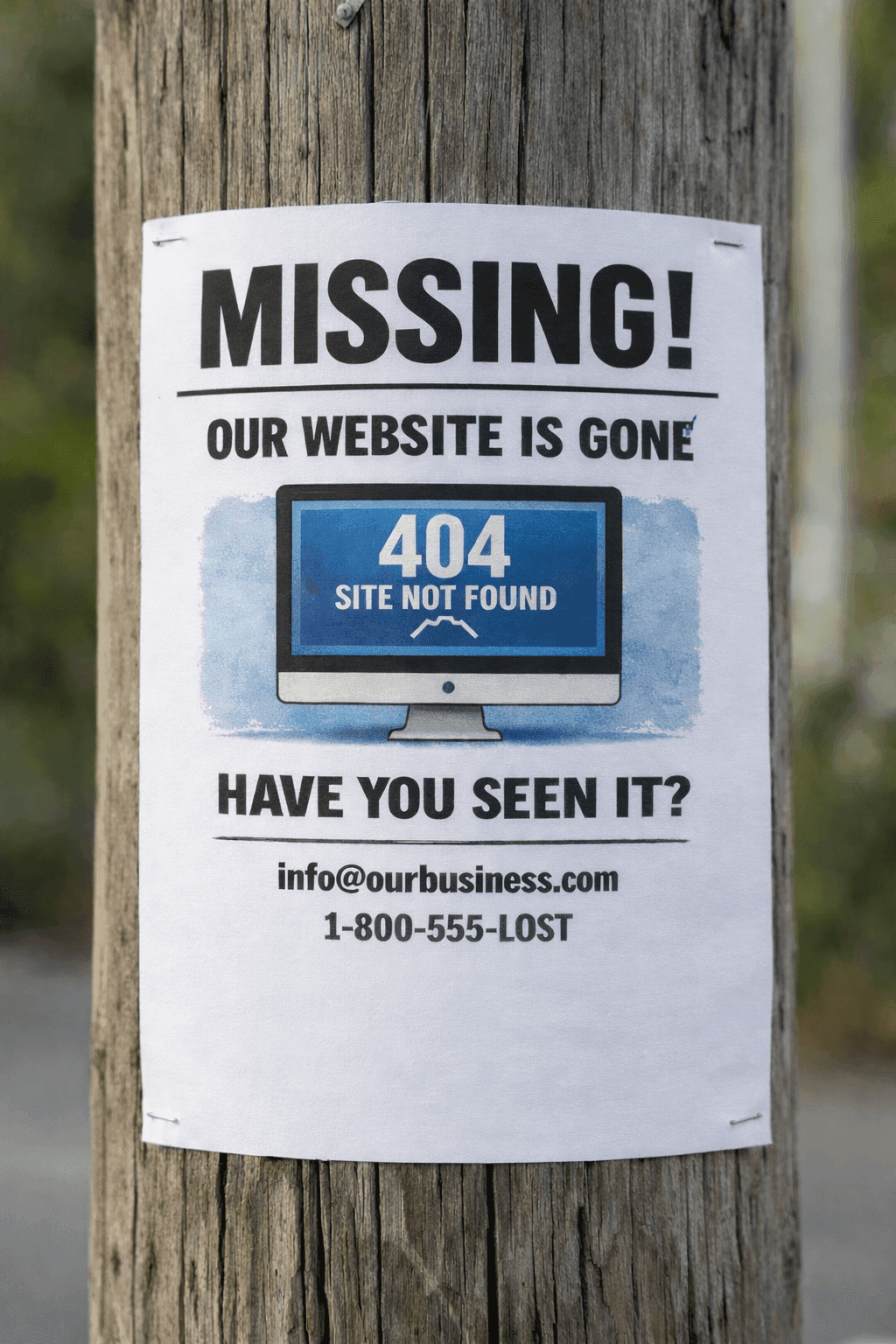
A “404 Page Not Found” message usually means someone clicked (or typed) a web address that no longer exists. The page may have been deleted, renamed, moved, or linked incorrectly. The problem is simple: visitors hit a dead end, get frustrated, and often leave. If it’s a new customer, they may assume you’re out of business. If search engines run into too many dead ends, your visibility can decline over time.
Below are the most common, practical questions small business owners ask—plus a straightforward prevention plan.
1) How can I tell if people are hitting 404 “Page Not Found” errors on my site?
404s can be easy to miss because they often happen to other people. I mean, how often to you look at every page on your website? The first clue is usually indirect: fewer inquiries, fewer bookings, fewer calls, or a customer saying “your link didn’t work.”
Do a quick “customer walk-through” once a month:
- Click your main menu links (Home, Services, About, Contact, Book Now).
- Click footer links (often where older links hide).
- Try your site on a phone as well as a laptop.
Then check the links you’ve shared publicly:
- Google Business Profile website link
- Social media bio link(s)
- Recent social posts that include links
- Email newsletter buttons
- Any ads or promotions
This is one of the reasons why Kapient was created: we automate this web audit (both your website code and your web server and DNS settings) so you find our about 404 errors before customers do!
2) What’s the fastest way to fix a 404 after I discover one?
First, figure out if the page should exist (but is missing), or if the page was deleted on purpose.
If the missing page should still exist (like your Contact or Services page), the fastest fix is to restore it or recreate it. If you replaced the page with a new one, the best fix is to set up a “forward” so anyone visiting the old link is automatically sent to the new link. Contact your web developer to implement a "301 redirect"...they will be impressed (or scared) of your new-found technical knowledge.
If the missing page really should be gone, you have links that must be updated:
- Remove or update the broken link on your own site (menus, buttons, homepage promos).
- Update any links you control (social bio, Google Business Profile, email templates).
Keep a simple note for yourself (or your web person):
- Broken link
- Where it should go instead
- Date fixed
This prevents repeat problems when the same old link shows up again later.
3) I redesigned my site— why are there so many 404 error pages?
Most accidental 404s come from “cleaning up” page names during a redesign. Even small changes can break old links that customers (and search engines) still use.
This is the #1 complaint about low-cost or inexperienced website designers. They often break things and do not realize it.
Use a simple rule:
- Never delete or move a page without deciding where that traffic should go next.
Before you redesign your website:
- List your key pages (Contact, Booking, Service pages, top location pages, pricing/quote pages).
- Save the old URLs if possible (even in a quick document or spreadsheet).
After launch:
- Click-test those key pages.
- Confirm that old links still lead somewhere useful (ideally the new version of that page).
If you hire a developer, include this in the scope of work/deliverables:
- “Provide a link or page-forwarding plan so old links still work after the redesign.”
That single line prevents most post-launch “where did my leads go?” problems. Do not pay the final bill until you're satisfied that all the links go to working pages.
4) Do 404 errors really hurt Google and my ability to get new customers?
A few 404s won’t destroy your business...immediately. The real risk is when important pages disappear and stay broken—especially pages that used to attract search traffic or convert visitors into calls and form submissions.
Think of it like putting up a “Closed” sign on your front door by accident. One day is a mistake. Several weeks teaches people (and search engines) to stop trying.
Prioritize fixes in this order:
- Contact / booking / quote pages
- Core service pages
- Location pages (if you rely on local search)
- Pages you advertise or frequently link to
- Everything else
The goal is practical, not perfection:
- Keep “money pages” working at all times.
- Fix high-traffic broken links quickly when they appear.
5) What should my 404 page say so customers don’t assume I’m out of business?
In a perfect world, your site will never have a 404 error. However, stuff happens, so you should work to create a default 404 page that shows your brand name, a few useful alternatives, and perhaps some contact form.
The implication: yes technical mistakes can and will occur, but we're on it and we're giving you some helpful next steps.
A strong 404 page should:
- Reassure: “This page may have moved.”
- Offer clear buttons: Home, Services, Contact, Book Now
- Provide your phone number and/or a contact form link
- Optionally include a search box (if your site supports it)
Keep the tone friendly and action-oriented. The visitor doesn’t care why the page is missing—they just want to find you, confirm you’re real, and take the next step.
A good 404 page can turn “dead end” traffic into real inquiries.
6) How can I display a custom 404 error page?
Most website platforms let you do this in one of these ways:
-
Website builders (like Wix, Squarespace, and Shopify):
These platforms usually have a built-in 404 page that you can customize in your theme or design settings. -
WordPress or other content systems:
Your WordPress theme typically controls what the 404 page looks like. A web designer can make it match your logo/colors and include helpful buttons or links. -
Modern hosting / newer website setups:
Many hosting services let you set a specific page (or file) to act as your site’s “Page Not Found” page.
What matters most: your 404 page should feel helpful, not like an error message.
Include:
- A simple line like “This page may have moved.”
- Buttons to Home, Services, Contact, and Book Now
- Your phone number (if calls are important to your business)
7) What are the most common ways small businesses accidentally create 404 errors?
Most 404s are caused by normal business activities—not “technical mistakes.”
Common causes:
- New web agency/designer that fails to map and redirect existing links (most common)
- Renaming page addresses for cleaner wording (old links break)
- Redesigning the site and changing page structure
- Deleting seasonal promos that are still linked from old posts/emails
- Switching platforms (or domain names) without forwarding old URLs
- Typos in buttons or social bio links
- Old directory/partner/press links pointing to outdated pages
The simplest prevention mindset:
- If you remove something, decide the closest “replacement” page.
- If you rename something, forward the old link to the new one.
- If you promote something, keep the landing page stable (or forward it later).
8) What can I do to prevent 404 errors?
Add Google Search Console
Search Console is an early warning system for “Page Not Found” issues that search engines encounter. It can alert you to problems before you notice a decline in inquiries.
Practical approach:
- Set it up once.
- Check it briefly every 2–4 weeks.
- Look for “not found” or “page indexing” issues.
- When you see a problem, either restore the page, update the link, or forward the old page to the correct one.
Add Google Analytics
Analytics won’t fix 404s, but it helps you see what matters most—so you can focus on the pages that bring in leads.
Use it to monitor:
- Sudden drops in visits to key pages (Contact/Booking/Services)
- Whether campaigns and promotions are sending traffic to the right place
- Which pages customers rely on most
The benefit: you spend time fixing the issues that affect revenue, not minor nuisances.
Perform a routine audit of inbound links—and scan them regularly
Many broken links live outside your website. Create a simple list of inbound links and check them routinely:
- Google Business Profile website link
- Social media bio links
- Directory listings (Yelp, industry sites, local chambers)
- Email templates and newsletters
- Ads and promotion links
- Partner websites
Then re-check on a schedule:
- Monthly if you run frequent promotions
- Quarterly if your site is stable
When you find a link that’s changed or broken:
- Update the inbound link if you control it
- Forward the old URL to the new destination
Configure your site for Kapient.com periodic testing
If you want proactive monitoring, configure your website for Kapient.com to run periodic tests on more than 74 technical items that can affect website and web marketing performance. This includes catching “Page Not Found” problems early—before customers complain or leads slow down.
The practical outcome:
- You get a clear, simple list of issues.
- You fix problems while they’re small.
- You reduce the “mystery drop” in inquiries that happens when links break silently.